Install Rig on Mac
Rig for Mac runs on macOS 13 Ventura or later, on Apple Silicon and Intel. Version 1.0 is the first stable release, and every stable build is signed and notarised by Apple. On a Windows PC? See Install Rig on Windows (beta).
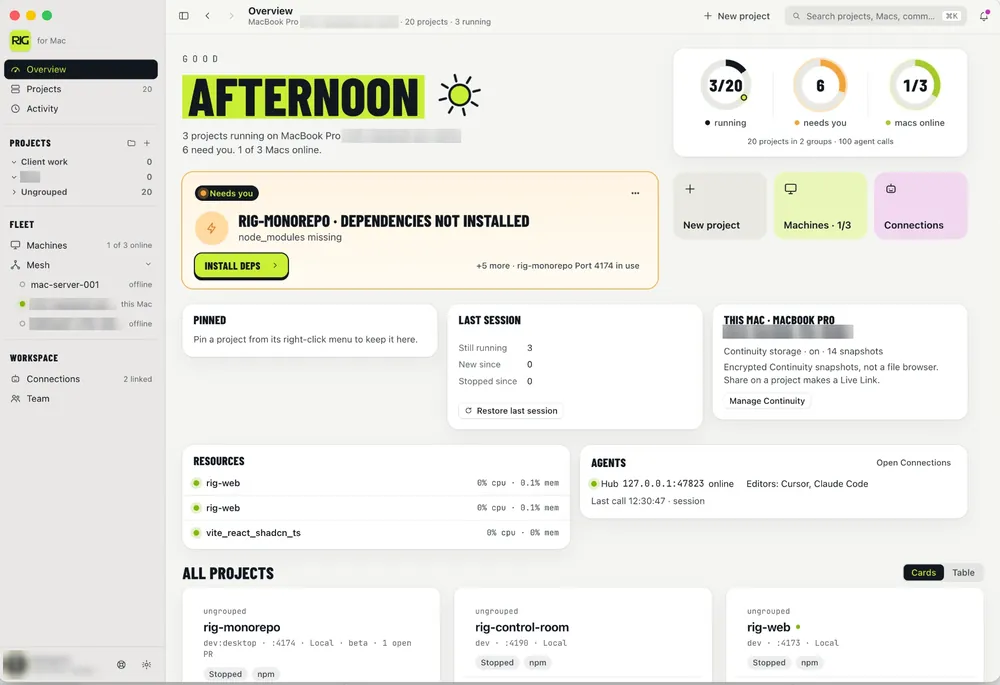
Install with curl (recommended)
Paste this into Terminal. It picks the right build for your Mac and puts Rig in Applications.
curl -fsSL https://userig.app/install.sh | bashCopy from the download page if you want the one-liner next to the latest version string.
Install from DMG
- Download the arm64 or Intel DMG from userig.app/download.
- Open the DMG and drag Rig into Applications.
- Open Rig from Applications. macOS asks once whether to open an app downloaded from the internet; choose Open.
If macOS says it cannot check the app
Stable builds are signed with our Developer ID and notarised by Apple, so macOS should open them without complaint. Some beta builds are not signed yet. If you see an “unidentified developer” or “cannot be checked” message, you probably have an old or beta build. Download the current DMG from the download page and replace it. If you need to open a beta copy anyway, go to System Settings → Privacy & Security and choose Open Anyway.
First launch
- Grant any folder or network prompts you need for your projects.
- Add a project. See Add a project and start it.
- Optional: create a free Rig account later for Live Link, sync, Continuity and Mesh.