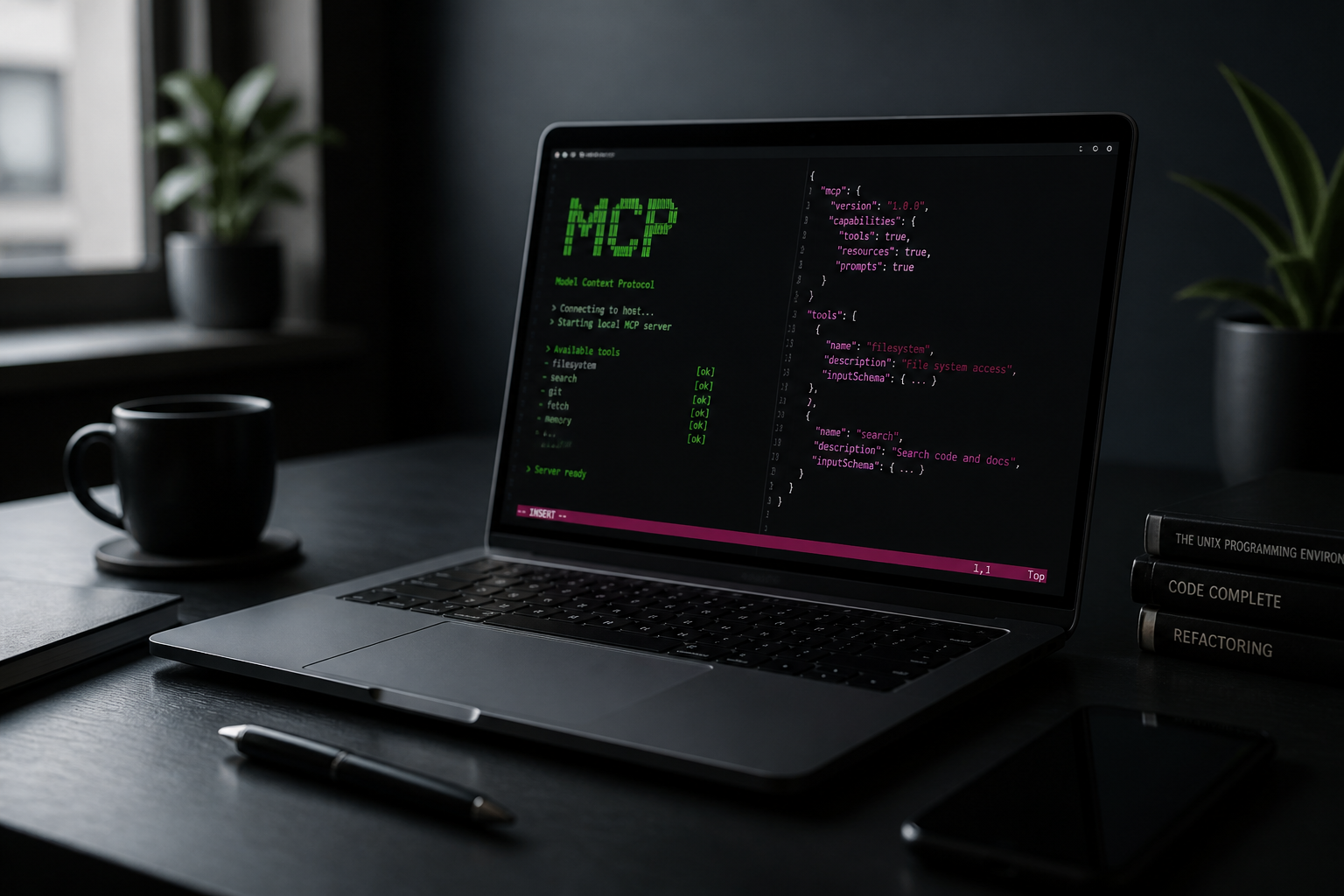
Your AI can finally see what's running
Rig's local MCP hub is how AI coding agents see your real runtime. Instead of pasting kill -9 into a terminal, Cursor, Claude Code, Codex, Windsurf, or VS Code call scoped tools across run, observe, recover, create project, groups, Compose, WordPress inspect (plugins, themes, page builders, WooCommerce), Adminer, Live Link, git, env, databases, and fleet. Ninety-five tools cover list and create projects, logs, health, ports, crash diagnosis, wp_inspect, open_adminer, share_live_link, compose_up, make project work, start and restart, groups, git, env profiles, database snapshots, list devices, wake, screen, and remote restart. The hub listens on localhost with a scoped token. You pick the blast radius per link or per project — full, control, or read — and rotating the token unlinks every editor at once. Source code never leaves your computer. Pair with ACP for Rig Cloud fleet context in Zed, and Mesh for wake and screen from chat. Link takes one click from the desktop app after install.
- 95 scoped MCP tools — not a raw shell
- Cursor deep dive — https://userig.app/cursor-mcp
- Download the desktop app to Link the hub — https://userig.app/download
- Agent plugin packaging — https://github.com/Rig-local/rig-plugin
- Works with Cursor, Claude Code, Codex, Windsurf, VS Code, and any MCP client
- Access modes: full, control, or read — hub on 127.0.0.1
- ACP for Zed/JetBrains cloud context; MCP for local coding